SAMPLE AND DEMONSTRATION ONLY. Illustrative analysis of publicly available information, prepared by BI Consulting Services. Not affiliated with, endorsed by or produced for any company shown.
Children's Hope Alliance × BI Consulting Services
Demonstration · Illustrative data · BI Consulting Services

The Workforce Board — Hope, Health, and Healing starts with the people who deliver it.

An automated HR metrics board for a multi-site North Carolina child-welfare nonprofit: headcount, turnover, hiring, overtime and compliance by program and office — refreshed from Paylocity nightly, with no sensitive fields ever leaving the payroll system.

Prepared for KourtneySenior Director of Human Resources
September 2026
Showing All NC · All programs · Oct 2025 – Sep 2026

1Workforce at a glance

Period-end values; deltas compare with the same-length prior period. Turnover is annualized.

2Headcount and annualized turnover by month

Bars: period-end headcount. Line: trailing-12-month separations ÷ average headcount.

HeadcountAnnualized turnoverTurnover target 30%

4Where the workforce is — North Carolina footprint

Circles are sized by headcount in the selected scope; colour is annualized turnover. Dots mark community-based staff outside the three offices.

Turnover under 30%30–40%Over 40%Legacy campus (Barium Springs 1891 · Grandfather Home 1914)

5Turnover by program and office

Annualized, ranked highest to lowest. Bars in clay exceed the 30% target.

6The Hope Tree — tenure and retention

Each ring is a tenure band; the canopy shows how much of today's team has stayed past each milestone.

7Open positions and time-to-fill

Requisitions open at period end; median days from posting to accepted offer for hires in the period.

8Overtime hours per FTE

Monthly OT hours per full-time equivalent, by program.

9Training and compliance completion

Share of staff current on each required course at period end.

10Ask the data

Natural-language questions over the same model, answered with the numbers on this board.

11Sensitive fields excluded at the source

The Paylocity → Azure SQL load pulls only the columns the board needs. Struck-through fields never leave payroll.

Social Security number
Date of birth / age
Race, ethnicity, gender
Home address, bank, dependents
Medical, leave reason, disability
Individual pay rate (aggregated only)
Employee ID (hashed), program, cost center
Hire / term dates, status, FTE, hours, training

12How the numbers get here — nightly, with no manual export

The architecture Kourtney and Kevin sketched in early 2025, built as a low-code, least-maintenance pipeline.
Source
Paylocity API
Employees, positions, time & labor, learning. Column allow-list enforced here.
Load
Power Automate
Scheduled flow, 02:00 ET. Incremental by modified date; retries and failure alerts to HR.
Store
Azure SQL
Star schema: employee, position, program, location, calendar. 36 months of history.
Serve
Power BI
This board, row-level security by office, board-ready export each quarter.
Also from BI Consulting Services

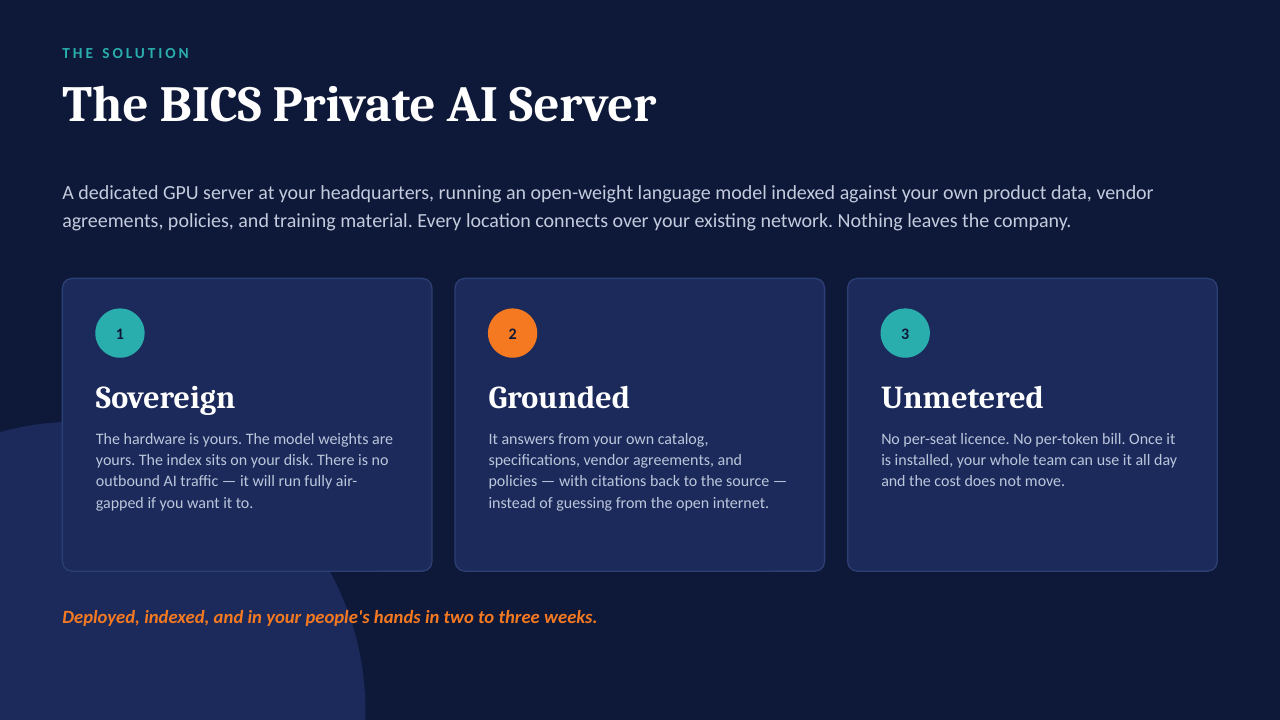
Private AI on your own server

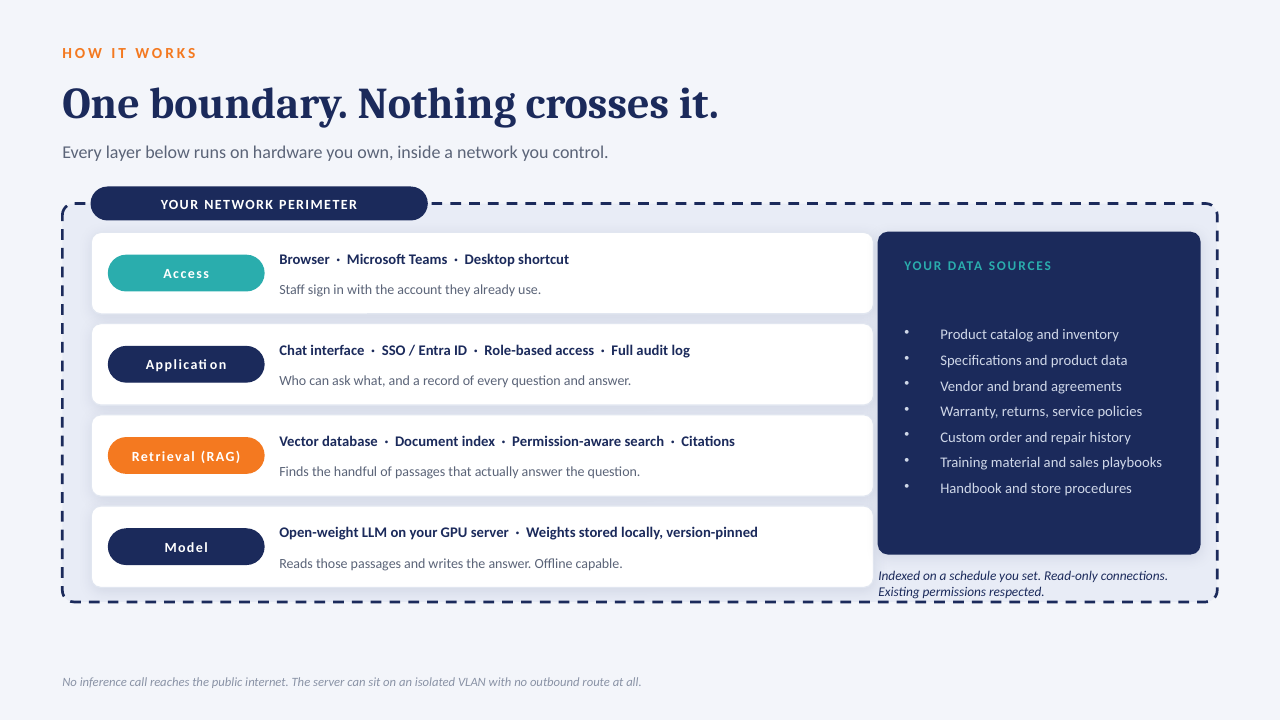
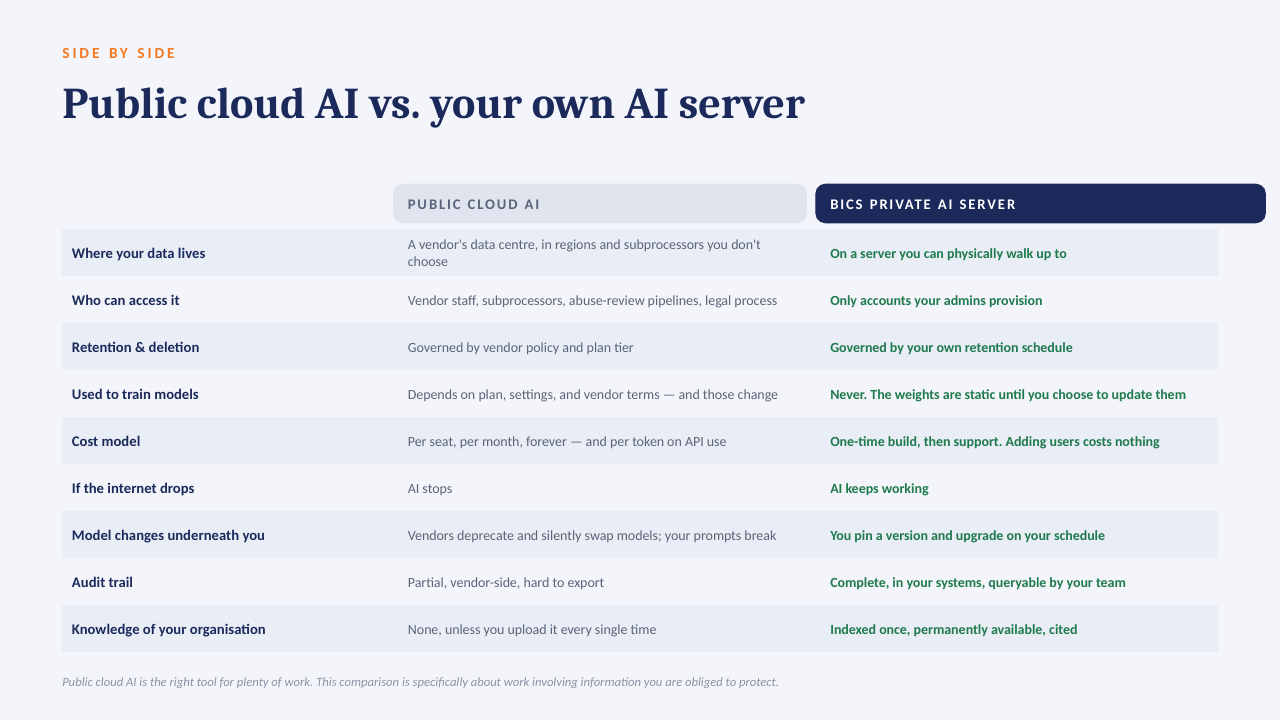
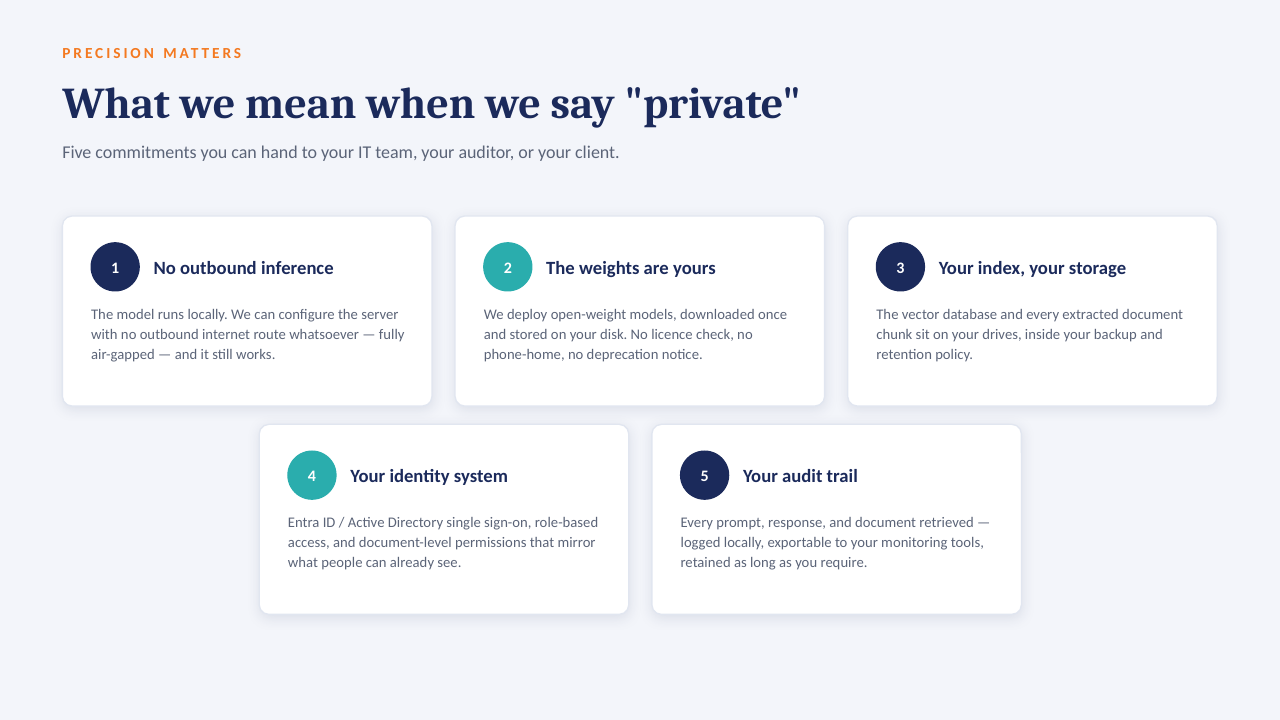
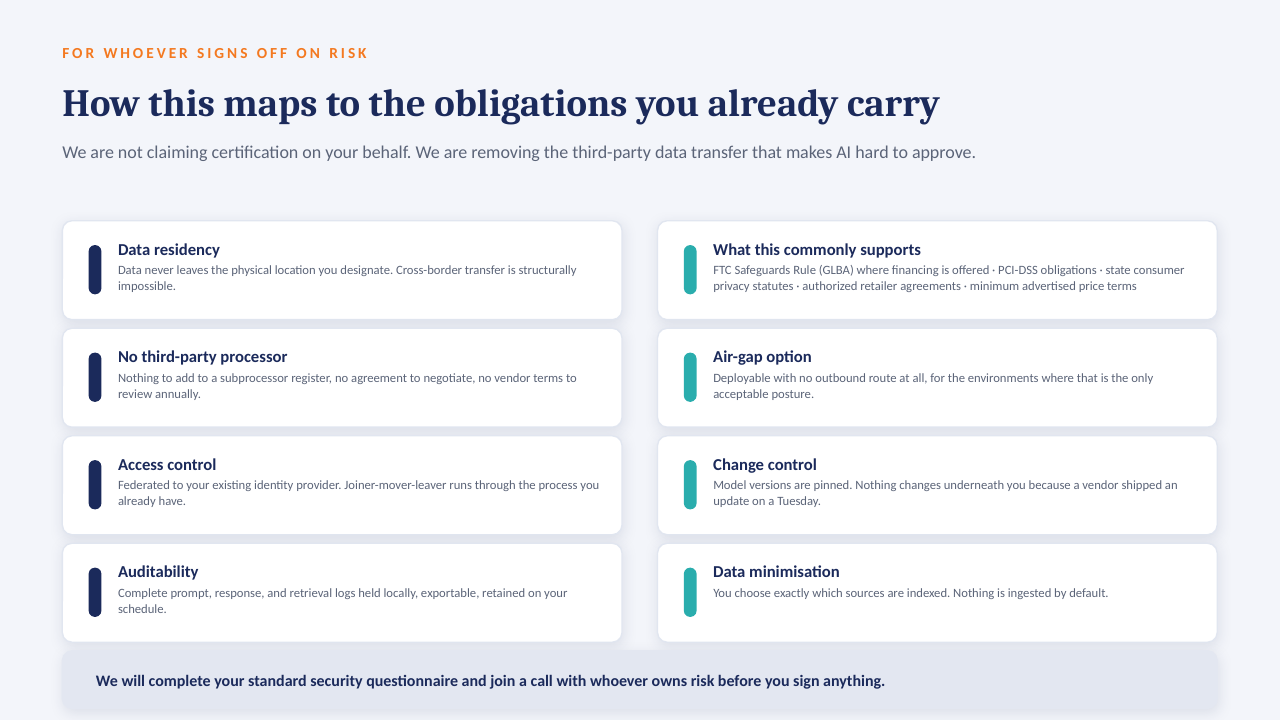
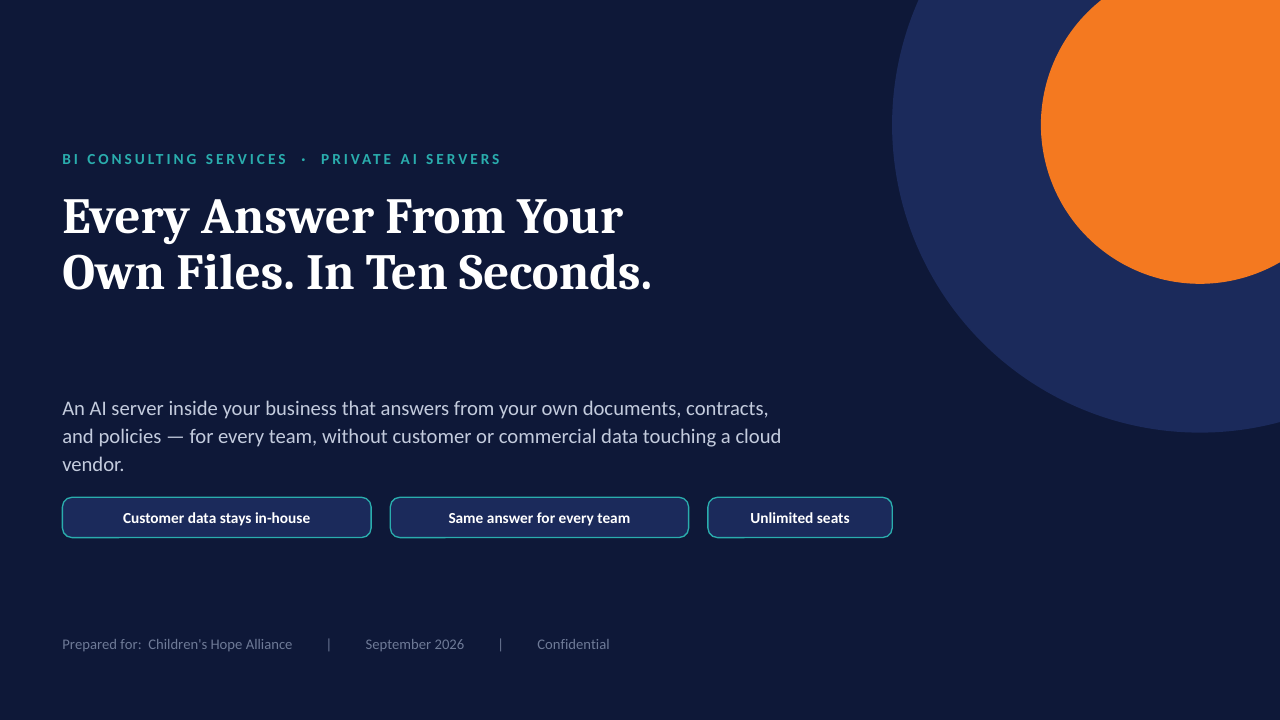
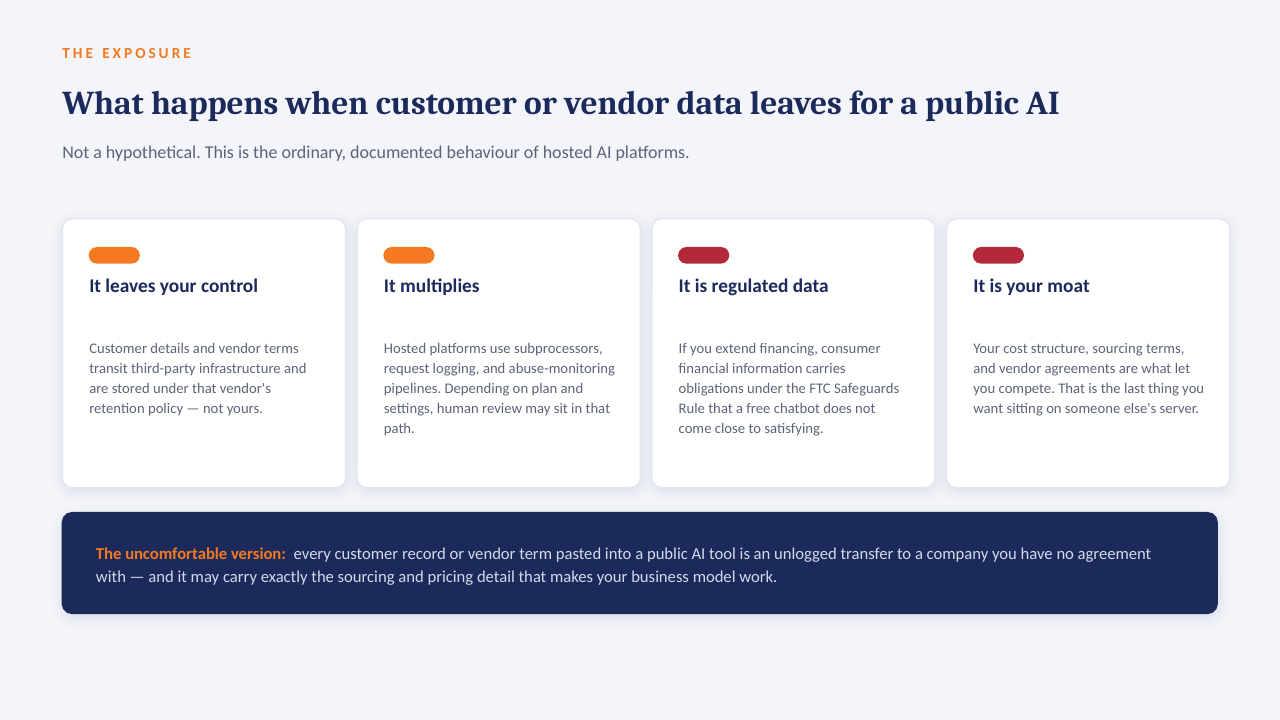
The "ask the data" panel above is built to run on a GPU server inside your own network: an open-weight model over your own documents, with every answer citing the file it came from. No per-seat licence, works offline, and nothing leaves the building.

How it sits in your environment

YOUR NETWORK · NOTHING LEAVES THE BUILDING Your files policies · SOPs · contracts reports · ERP exports indexed locally GPU One server, in your building open-weight model · your data only in seconds Cited answers every reply links to the source file and page no cloud AI · no third-party processor
One appliance-class server on your rack or in a secured closet. Your files are indexed where they already live; the model runs locally; answers come back with the source page attached.

What that means in practice

  1. 1
    Your data only, on your hardwareAn open model over your own documents and exports. No third-party AI processor, no data-transfer agreement to review.
  2. 2
    Every answer cites its sourceReplies point to the file and page they were drawn from, so people check the answer instead of trusting it blind.
  3. 3
    No per-seat licenceThe whole team can ask questions. Cost is the server and our build, not a monthly number that grows with headcount.
  4. 4
    Works offlineIf the internet connection goes down, the answers still come. Nothing depends on a vendor's uptime or pricing changes.

The short deck

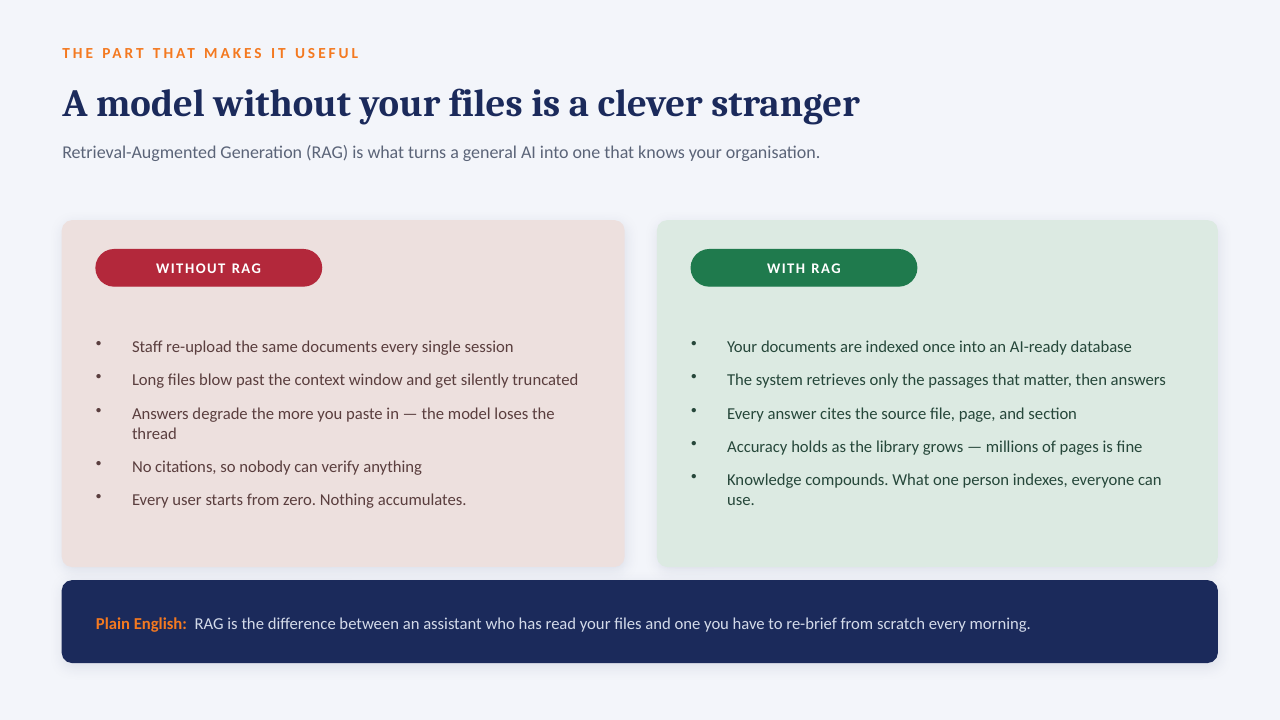
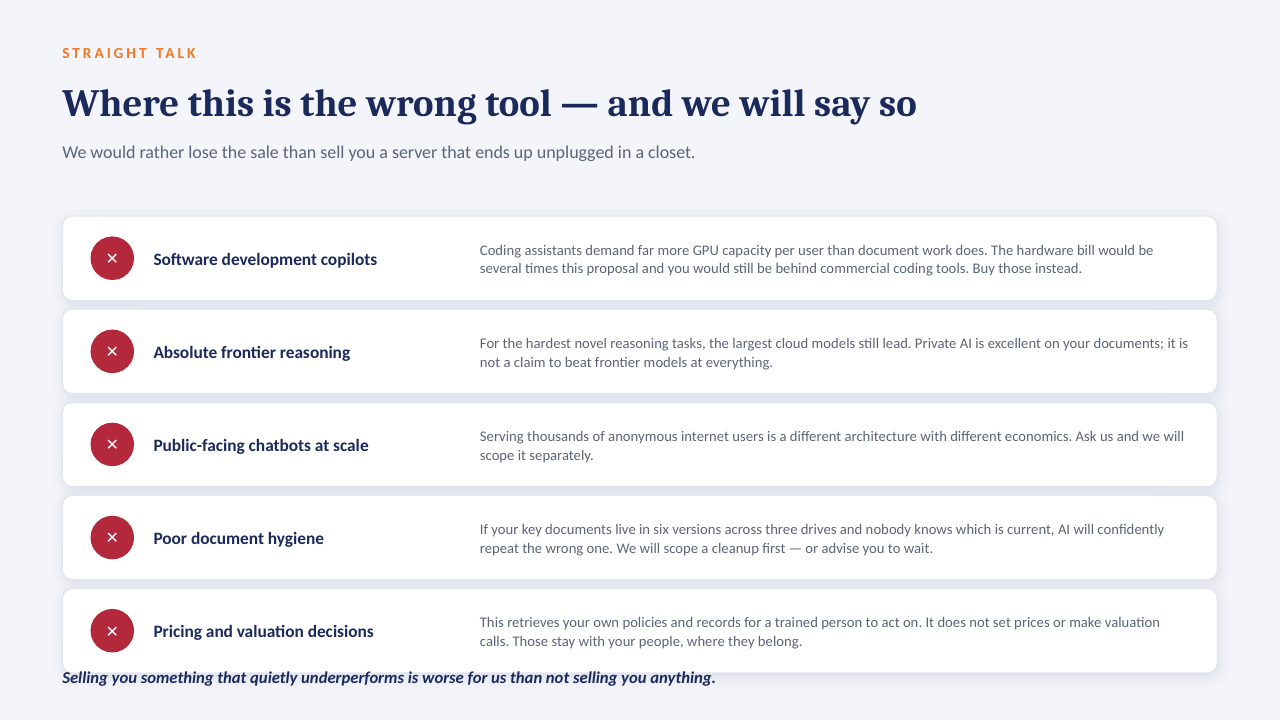
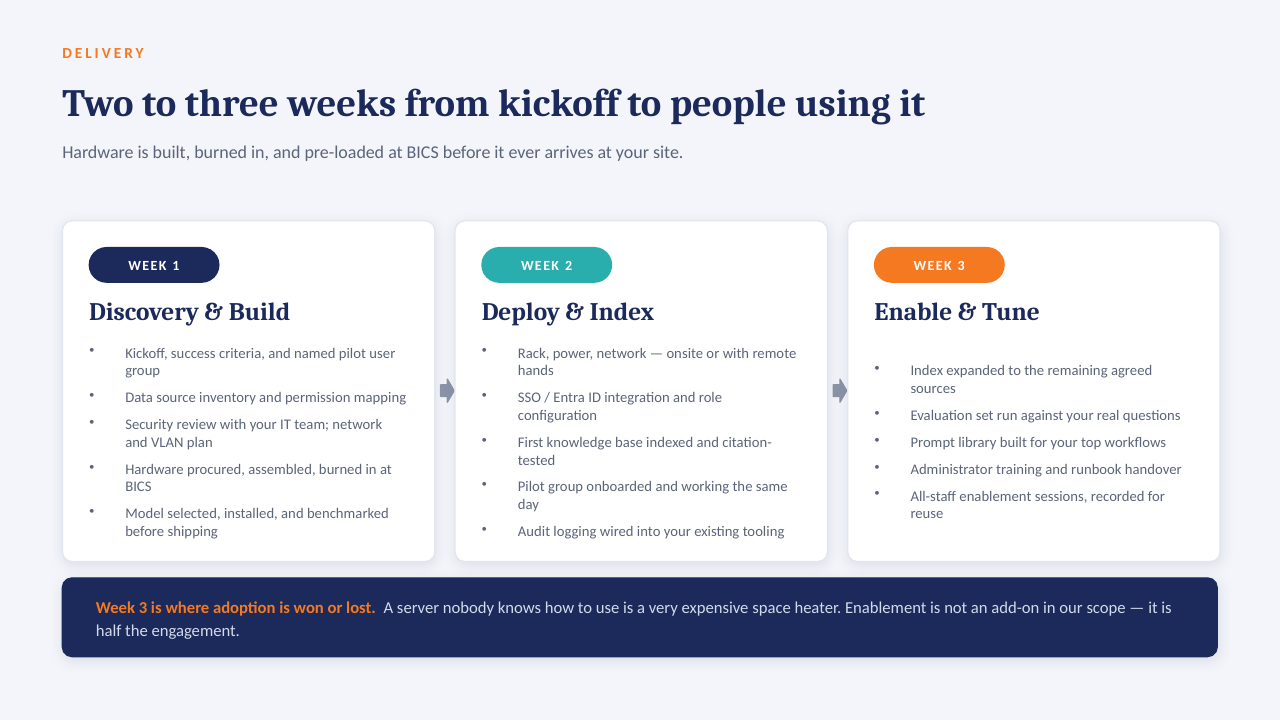
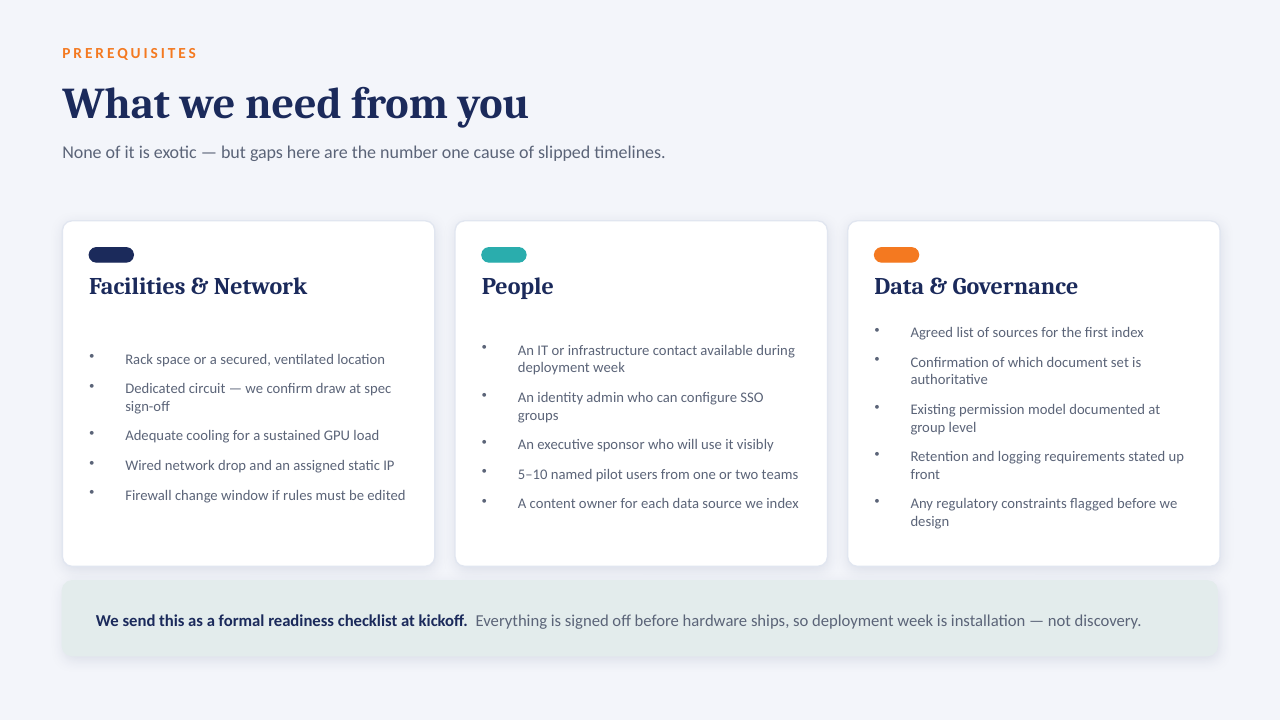
14 slides on how a private AI server is scoped, secured and rolled out. Click through, or take the PDF.

Download the PDF
Private AI on your own server — slide 1 of 14 Private AI on your own server — slide 2 of 14 Private AI on your own server — slide 3 of 14 Private AI on your own server — slide 4 of 14 Private AI on your own server — slide 5 of 14 Private AI on your own server — slide 6 of 14 Private AI on your own server — slide 7 of 14 Private AI on your own server — slide 8 of 14 Private AI on your own server — slide 9 of 14 Private AI on your own server — slide 10 of 14 Private AI on your own server — slide 11 of 14 Private AI on your own server — slide 12 of 14 Private AI on your own server — slide 13 of 14 Private AI on your own server — slide 14 of 14
1 / 14Tap or click a slide to advance · arrow keys work too

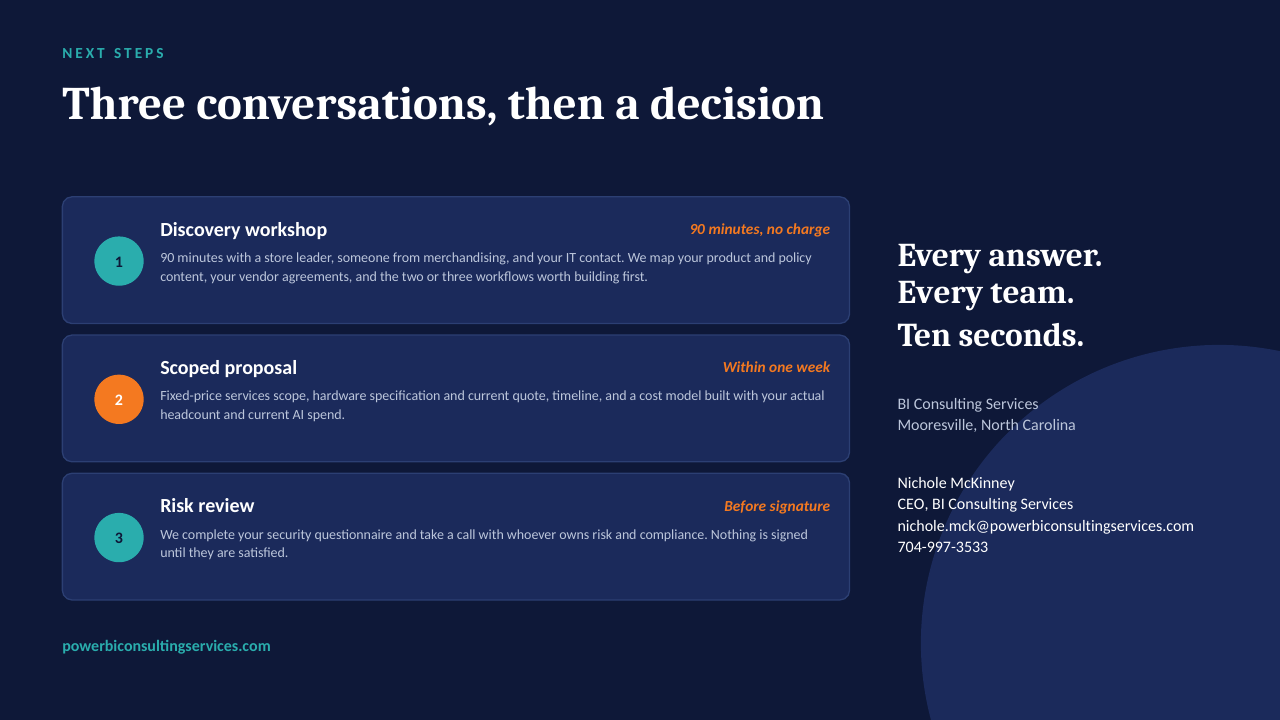
Worth a conversation? Book 30 minutes with NicholeBI Consulting Services · powerbiconsultingservices.com